
Email testing - sending draft emails
In order to test your email templates, you can send draft emails to yourself or your teammates using two ways:
-
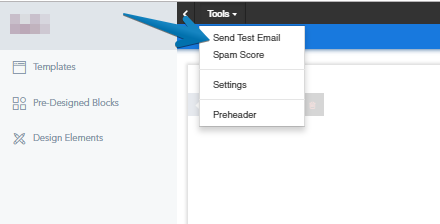
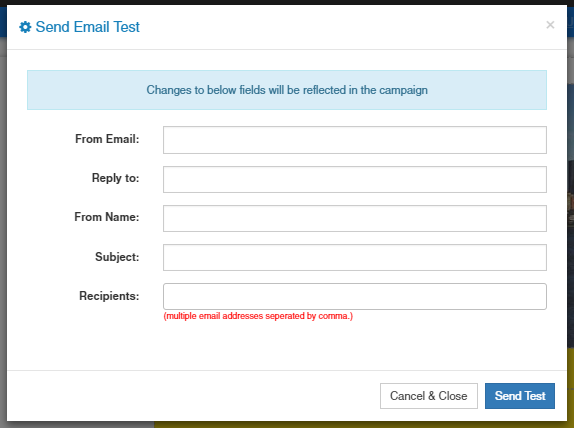
If you are inside the email builder, you can click on Tools→Send Test Email. Next you can input as many email addresses as you want as long as they are separated by a comma.
- If you are inside the campaign wizard, once you get to the final step (Summary). You can send test emails as well using the provided email field in the bottom.
Note: In case you have used Shortcodes in your email, these one will not show in your test email.