
Landing page personalization
To add personalization to your Landing Pages, you can use the Shortcode option available inside the builder.
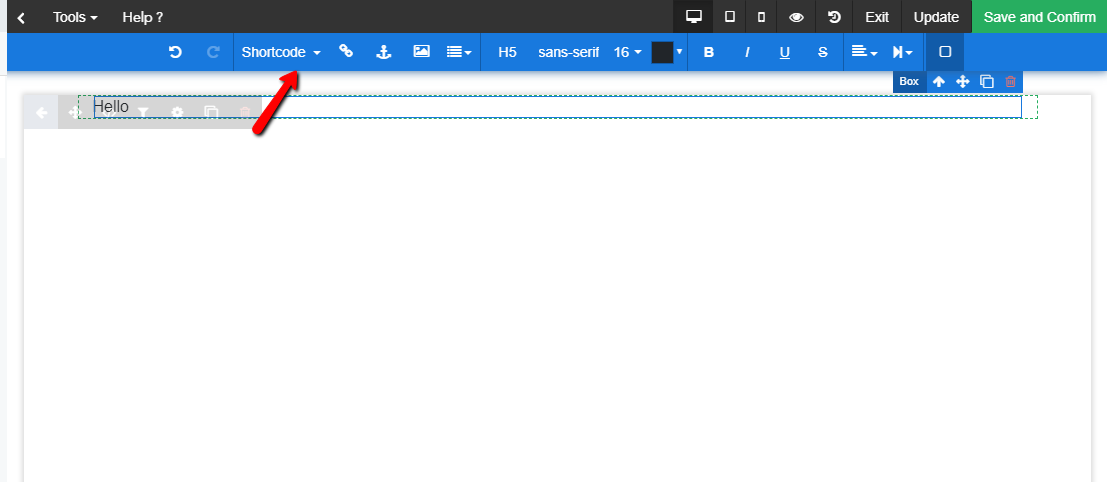
Once you click on Shortcode, hover over to select which list and which element to choose:
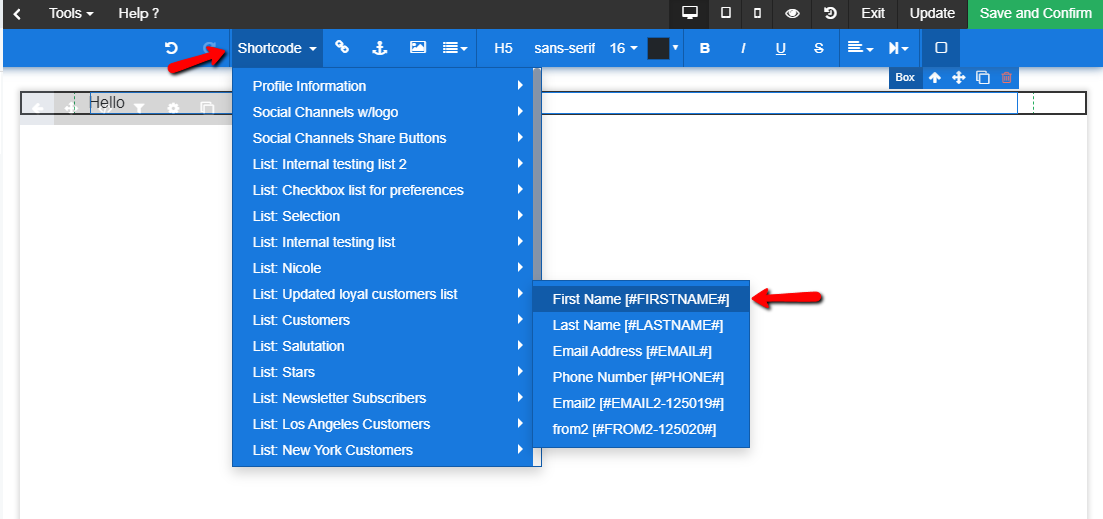
This will allow you to add List Shortcodes to your Landing Page text and personalize the experience for your recipients.
If you choose First Name from a specific list, you will see the following:
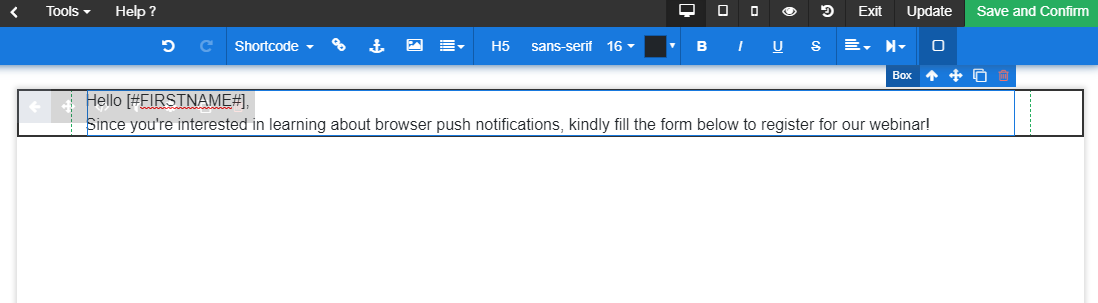
[#FIRSTNAME#] will be replaced with the First Name value from the list chosen.
In order to better understand Shortcode, click here.